Resolving Flint Access Issues During Onboarding
Last updated: April 20, 2026
If you're experiencing issues accessing Flint after signing up or receiving an invitation, there are several common causes and solutions.
Common Access Issues
Stuck on the Onboarding Page
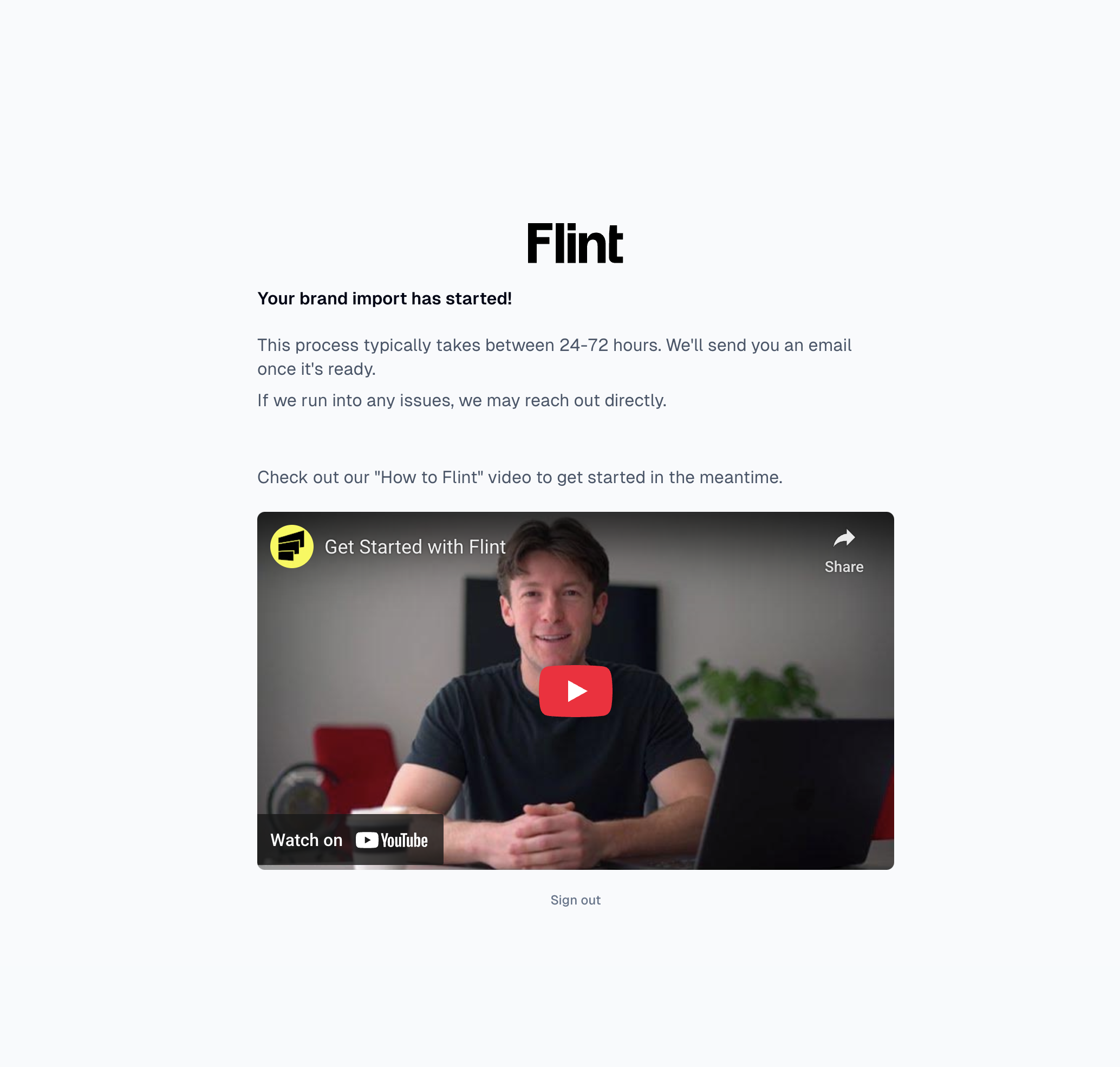
If you're seeing the Flint onboarding page with a YouTube video but can't proceed further, this typically indicates that your account needs to be manually cleared by our support team.
Email Verification Code Not Received
If you're not receiving the verification code during sign-up:
Check your spam/junk folder
Ensure you're using a work email address (personal emails are not accepted)
Wait a few minutes and try requesting the code again
Expired Invitation Links
If your invitation link has expired, you'll need to request a new one from our support team via email at support@tryflint.com
Why Access Issues Occur
Flint uses qualification filters during the sign-up process to ensure legitimate usage. Sometimes these filters can be overly cautious and may flag accounts that should have access, particularly:
VC firms or investment companies
Companies with certain domain characteristics
Accounts that trigger our research detection systems
Getting Help
If you're experiencing any of these issues:
Contact our support team at
support@tryflint.comInclude your email address and describe the specific issue you're encountering
If possible, include a screenshot of what you're seeing
Our support team can manually clear flags on your account and ensure you receive proper access to the platform. Most access issues are resolved quickly once reported.
Alternative Access Method
In some cases, you may be able to access Flint directly by going to app.tryflint.com and logging in with your registered email address, even if the invitation link isn't working properly.